
When downloading your final video, you'll see several download options.
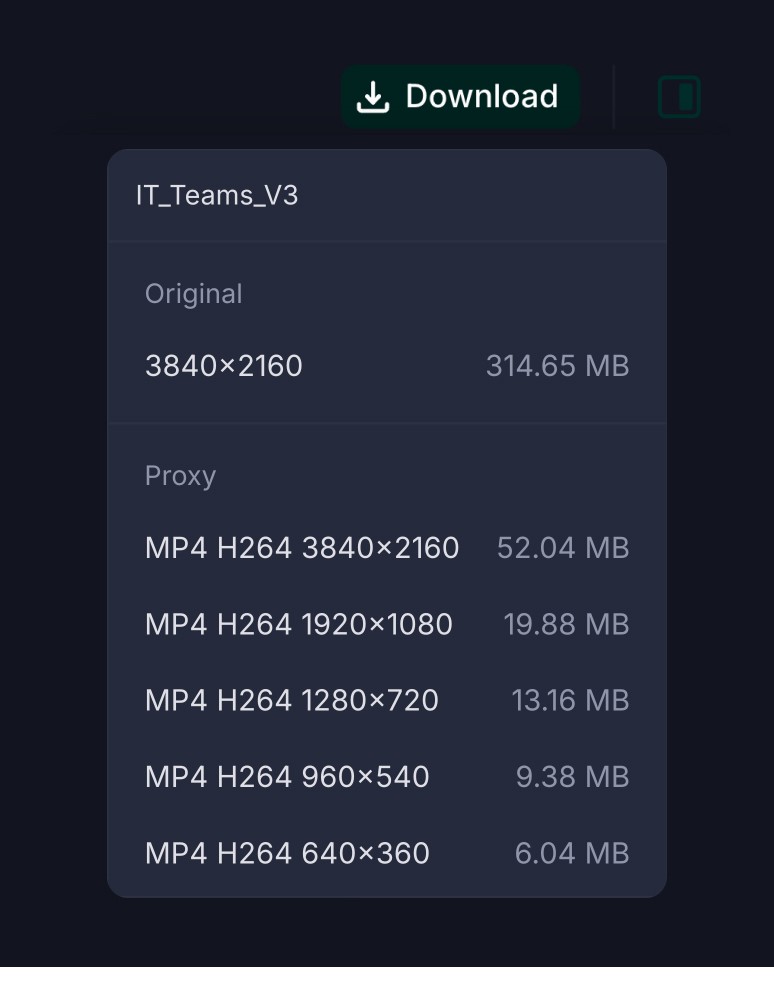
Here's what we recommend.
Original (4K)
3840 × 2160
Best for:
YouTube
Large displays
In-person events
Trade shows
Presentations
Archiving your highest-quality master
If you're displaying your video on a large screen, always choose the Original (4K) version.
MP4 H.264 (1080p)
1920 × 1080
Best for:
LinkedIn
Embedding natively on website
Email
Slack or Teams
Internal sharing
This version offers excellent quality while keeping file sizes much smaller.
Lower Resolution Options
The remaining download options (720p and below) are intended for situations where smaller file sizes are more important than image quality.
Most clients won't need these versions.